
High quality conference calls on mobile devices
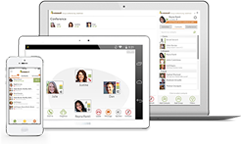
Designed for mobile users, Voxeet gives you the same exceptional experience across every device—even when you’re switching between them.
Start or join a Voxeet call from any device. To switch devices during your call, simply log in to Voxeet on your second device, go to “Conferences” to find your active conference call, then click “Switch.” Your conference will automatically, seamlessly transfer.
No need to interrupt your conference call or hang up and dial back in. Conference on any device, anywhere.
Calls to go
Need to finish your conference call on the road? No problem.

Swap devices
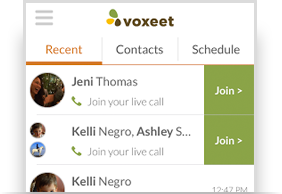
Just log in to Voxeet on your mobile device to find your active conference call in Recent and click “Join.”
Conference on
Keep conferencing from your new device without causing a fuss or missing a word.