
Complement your conference calls with chat
Send instant messages during or outside of your conference calls with group chat.
Choose one or more contacts and kick off your chat. Then switch your chat conversation to a conference call at any time with a single click—but feel free to keep messaging during your call. We’ll save your chat history so you can review it later.
Why choose between chatting and calling? Collaborate your way.
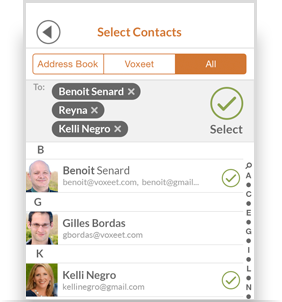
Send message via Recent
Send a message from your home screen by clicking “Send message.” Then, enter email address(es) or select contact(s). Click “Select” when you’re ready.
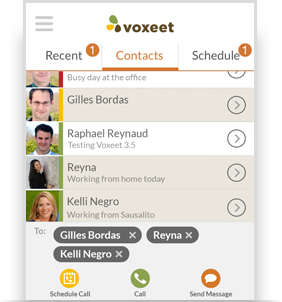
Send message via Contacts
If you have contacts, select them and click “Send message” to start your group chat.
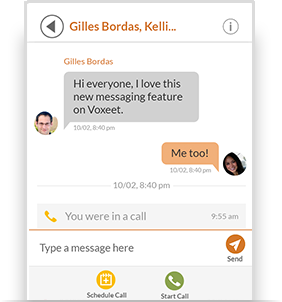
Collaborate your way
Kick off your chat and switch to a conference call at any time with a single click by selecting “Call.”